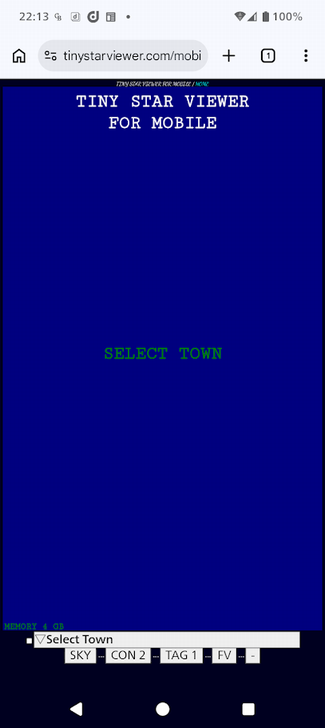
Startup screen
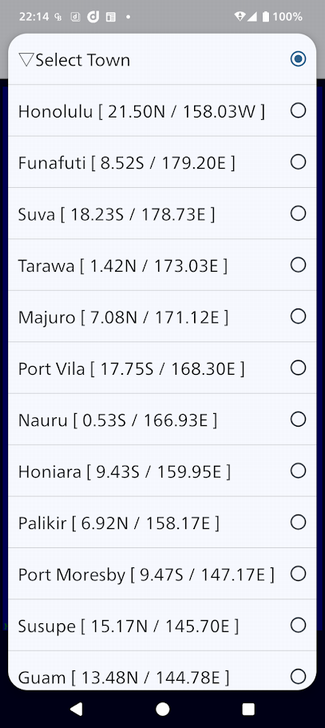
Choose your observation site: swipe westward from Honolulu to travel around the world
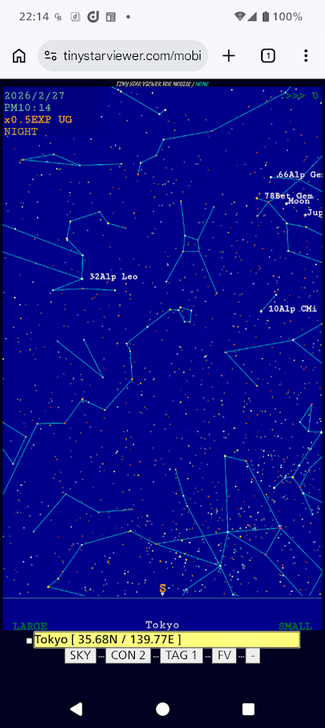
Sky view: If the sky is shown in daytime mode, tap [SKY] in the lower-left corner to switch to night mode
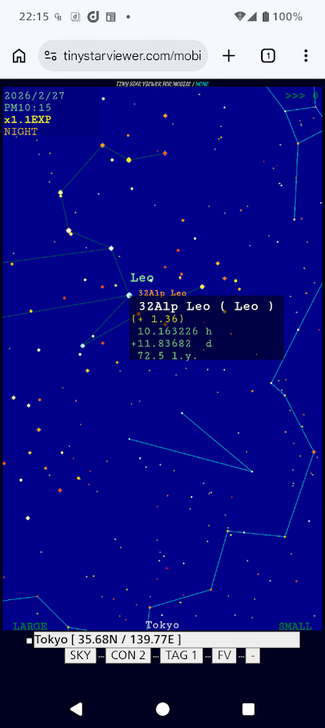
Tap a star to view its information
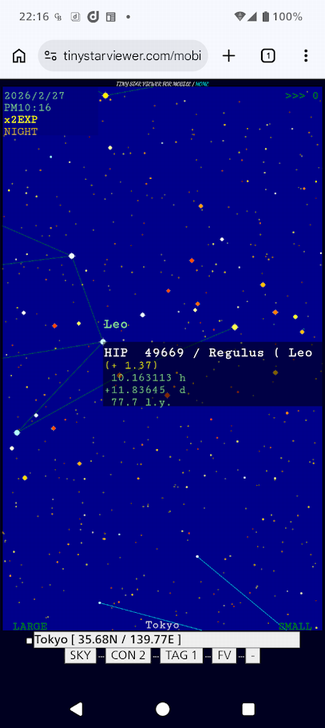
Zoom in to reveal fainter stars
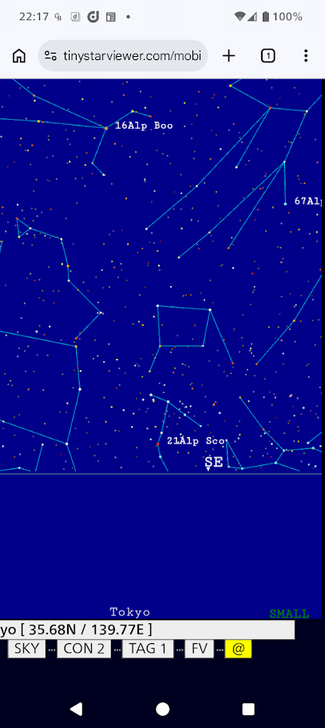
Use the bottom-right button to activate auto‑compass mode
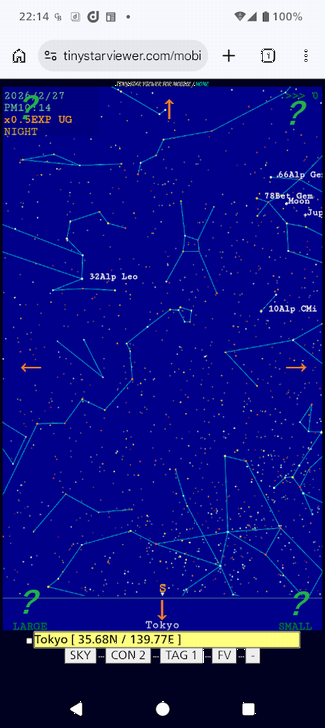
Press and hold the screen edges to scroll
Commands are placed in the four corners
Avoid swiping, as it may trigger unintended browser gestures

A new feature is now available!
[USER] enables semi‑automatic geolocation settings
[REMIND] grants permission to store your selected location in a 30‑day cookie