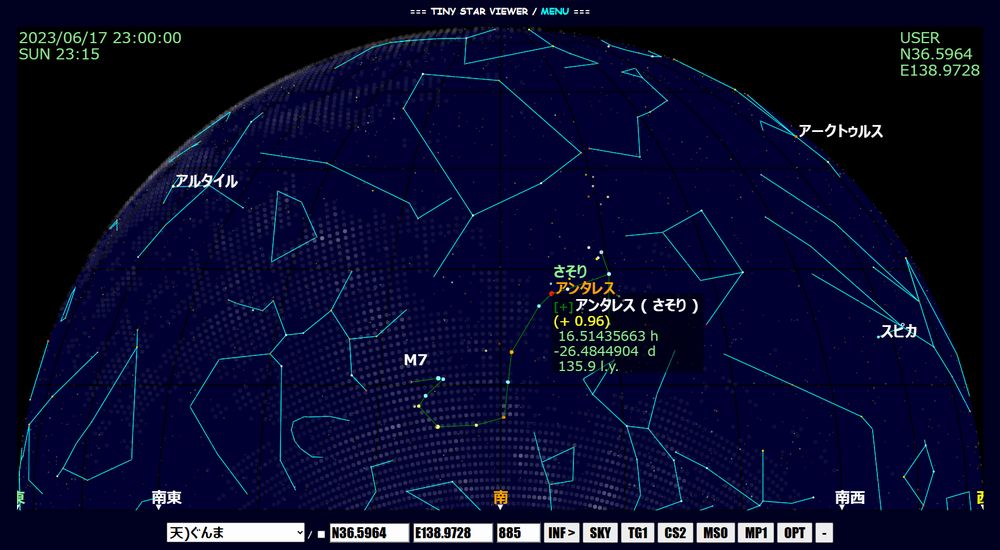
・You can move the screen by dragging.
・Click on a star to display its information and set it as the target for magnified view (explained later).

・First, set your observation location. Please select from the list (choose by category and site).
[ 天 = Observatory / 科 = Science Museum / 施 = Facility ]
・Latitude, longitude, and altitude can be adjusted.
※ Enabling the checkbox will save your settings via cookie (valid for 30 days).
※ Commands are divided into several groups. Use the leftmost button to switch between them.
▽ Overview of each group ▽

SETTING: Basic display settings
[ SKY ] Sky brightness / [ SKY ] Current brightness [ ST0–8 ] Gradually darker [ ST9 ] Show all information
[ TG0–4 ] Toggle star and deep sky object names
[ CS0–3 ] Constellation display [ CS0 ] Off [ CS1 ] Emphasized [ CS2 ] Constellation lines
[ CL0–6 ] Color tone adjustment [ CL0 ] White display
[ V+ ] Zoom in [ FIT ] Fit to screen [ V– ] Zoom out

INFO: Auxiliary display settings
[ MS0–2 ] Nebulae and clusters [ MS0 ] Off [ MS1 ] Marker [ MS2 ] Pseudo rendering
[ MW0–2 ] Milky Way display [ MW0 ] Off [ MW1 ] Dim [ MW2 ] Bright
[ MP0–3 ] Horizon display [ MP0 ] Off (transparent) [ MP1 ] Show horizon [ MP2 ] Show local place names [ MP3 ] Show all place names
[ SC0–2 ] Scope display [ SC0 ] Off [ SC1 ] On [ SC2 ] Inverted
[ MNO ] Toggle monochrome display (ON/OFF)
[ OPT ] Diurnal aberration calculation (OFF/ON)

VIEW: Viewing direction and method
[ ALL ] Full sky view [ Z ] Zenith view [ ← ] Pan left [ → ] Pan right [ EX ] Zoom in [ RD ] Zoom out [ FV ] Focus mode [ FV ] Free [[+]] Alt-azimuth tracking [@N] Equatorial tracking (Northern Hemisphere) [@S] Equatorial tracking (Southern Hemisphere)

DRIVE: Automatically move through time
[ NOW ] Monitor current time [ DRV ] Adjust playback speed [ STOP ] Stop [ SAT ] Play at custom time (variable speed)

TIME: Adjust observation time
[ -1m ] 1 minute earlier [ +1m ] 1 minute later [ -1h ] 1 hour earlier [ +1h ] 1 hour later [ -1d ] 1 day earlier [ +1d ] 1 day later [ DT ] Time information

DATE: Adjust observation date
[ -30d ] 30 days earlier [ +30d ] 30 days later [ -1y ] 1 year earlier [ +1y ] 1 year later [ -10y ] 10 years earlier [ +10y ] 10 years later

EXPRESSION: Rendering and background settings
[ BR+ ] Increase brightness [ BR0 ] Reset brightness [ BR– ] Decrease brightness
[ SH+ ] Sharpen [ SH0 ] Reset sharpness [ SH– ] Blur
[ BK ] Set background to black
※ Adjust for optimal visibility.

QUERY: Request information
[ REP ] Open report [ N+ ] Next report [ N– ] Previous report [ IM ] Recalculate current values [ LD ] Load external star catalog (e.g., Tycho) [ CL ] Clear external star data
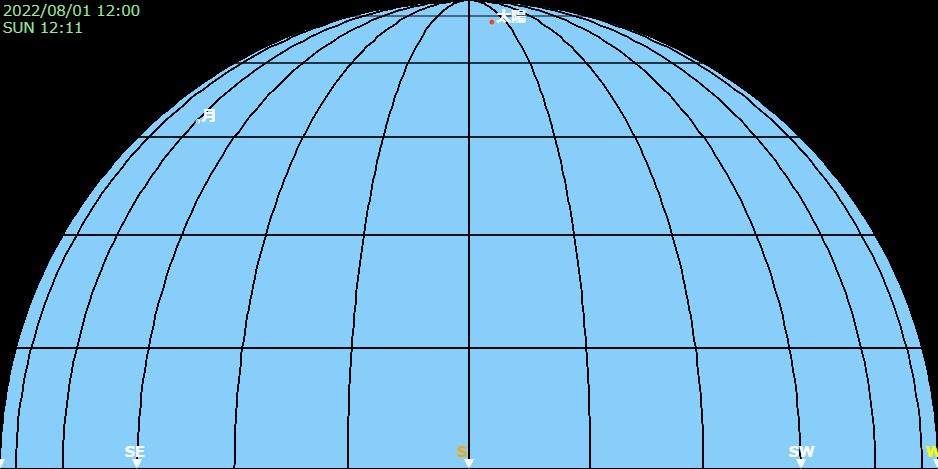
・[SKY] Forces the sky into night mode using brightness levels.
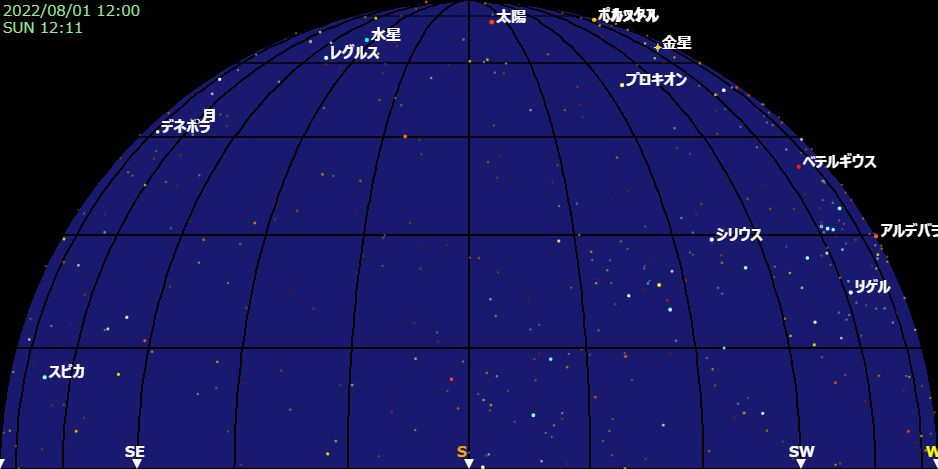
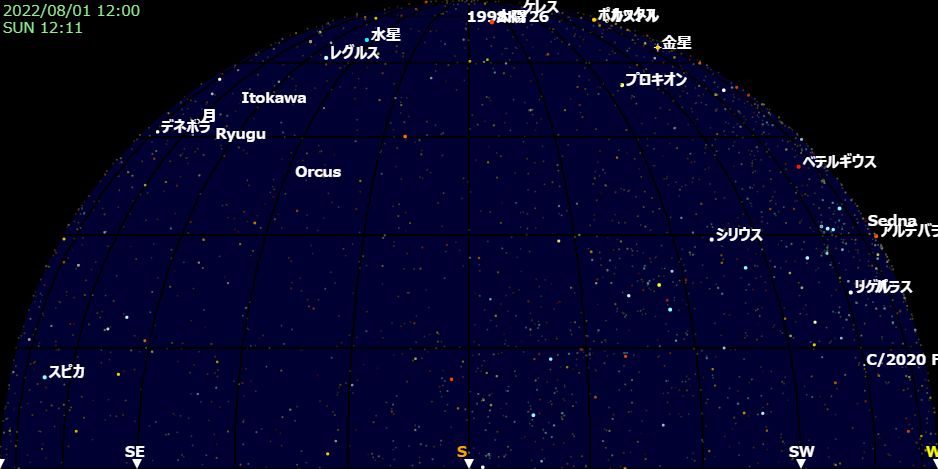
[ST9] displays all available information.
Use [ST9] when viewing comets or faint planets.
- SKY -
- ST5 -
- ST9 -
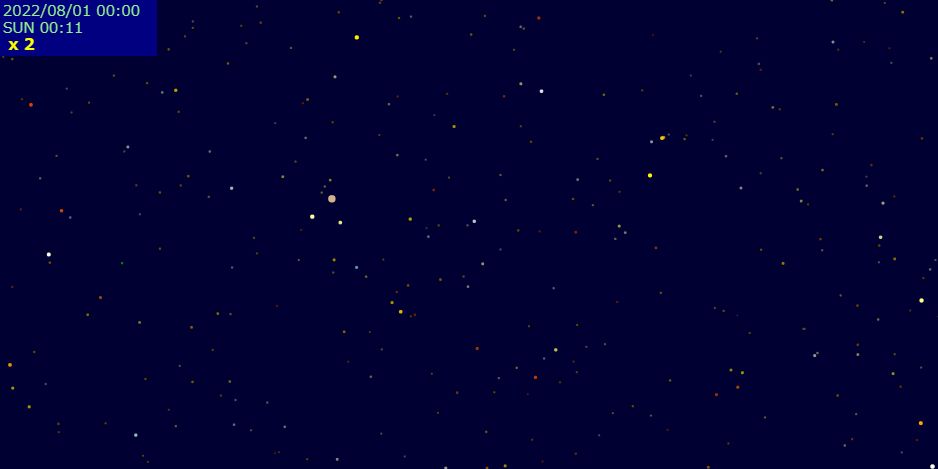
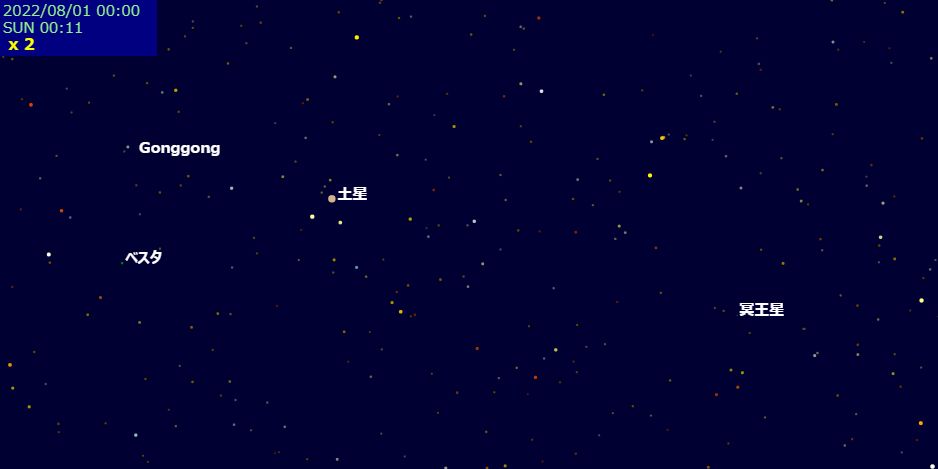
・[TG 0–2] Toggles star name display.
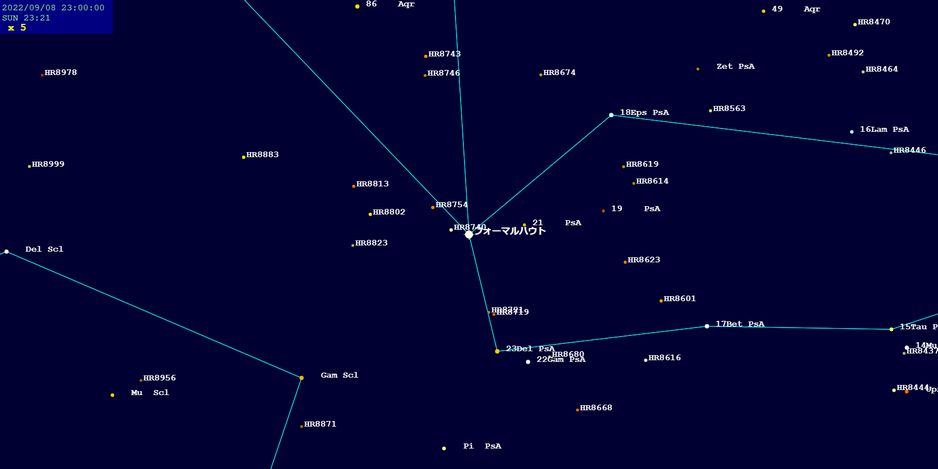
・[CS 0–2] Toggles constellation display.
- CS1 -
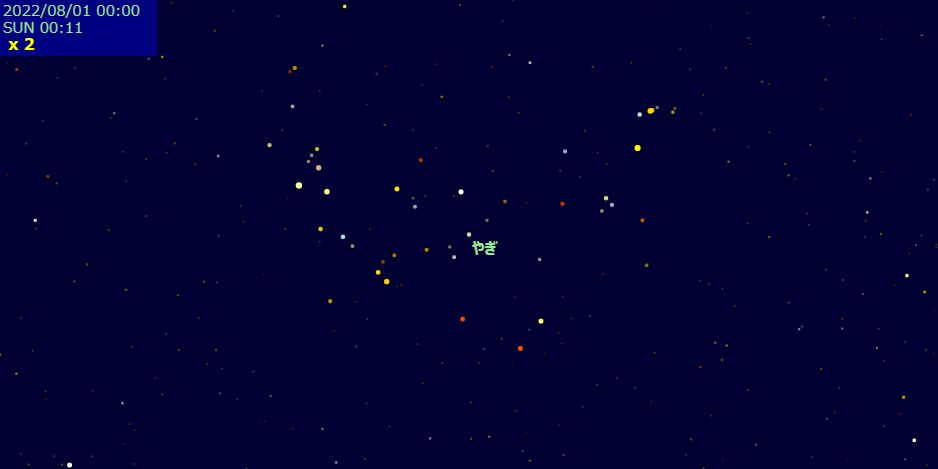
- CS2 -
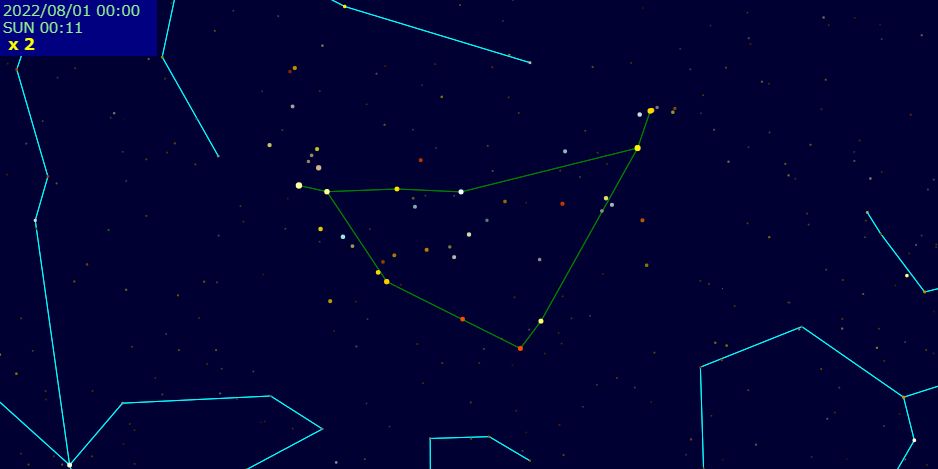
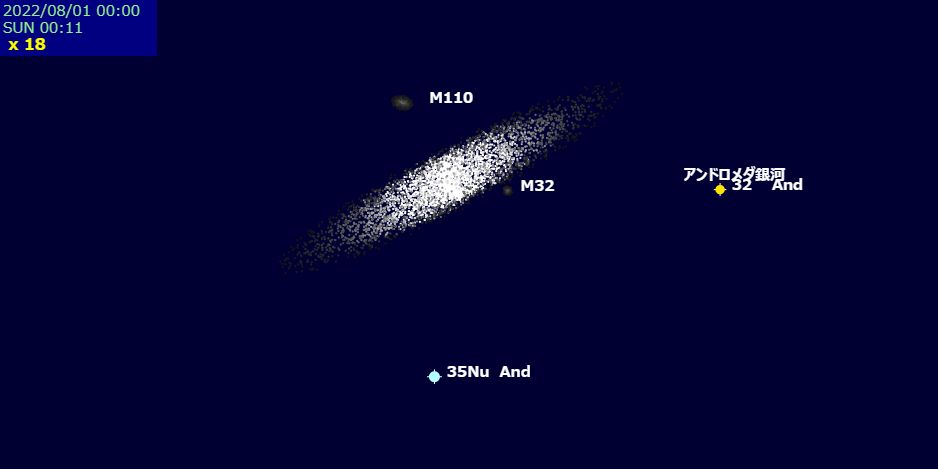
・[MS 0–2] Toggles display of nebulae and clusters.
- MS0 -
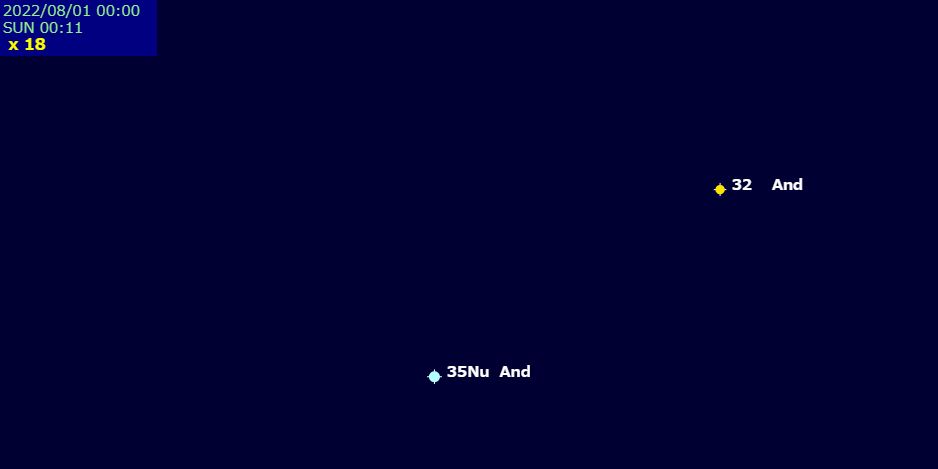
- MS1 -
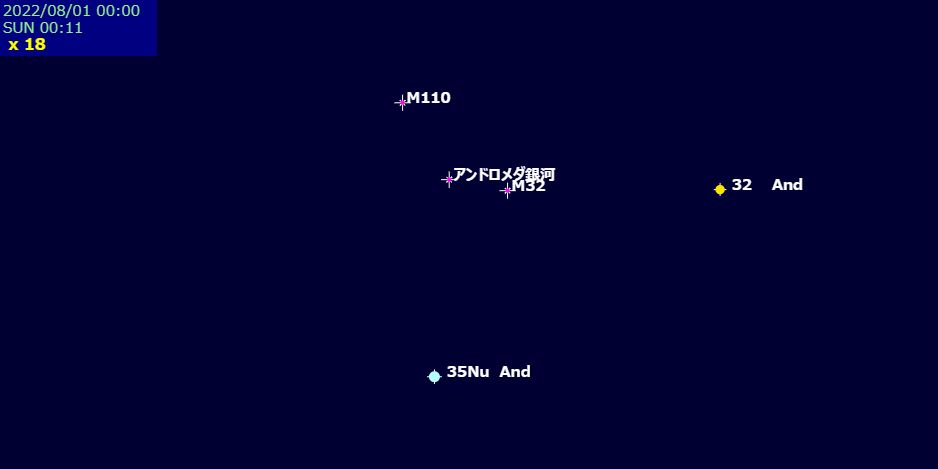
- MS2 -
・[MP 0–3] MAPPING Toggle ground display in zoomed view / Nearby locations will be shown in the list.
※ You can choose to show only the horizon or beyond it.
- MP0 -
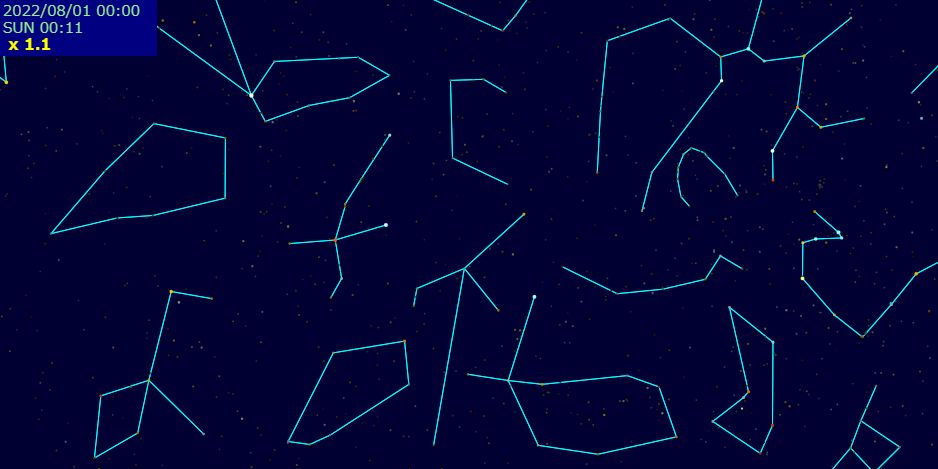
- MP1 -
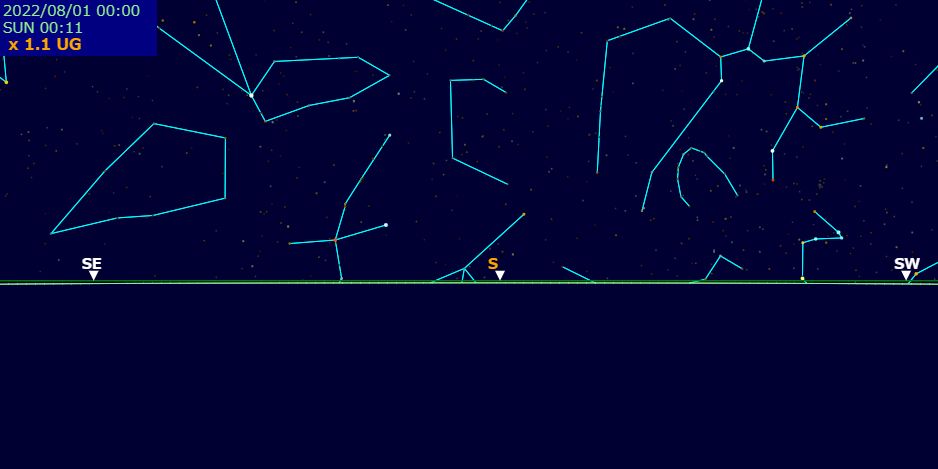
- MP2 -
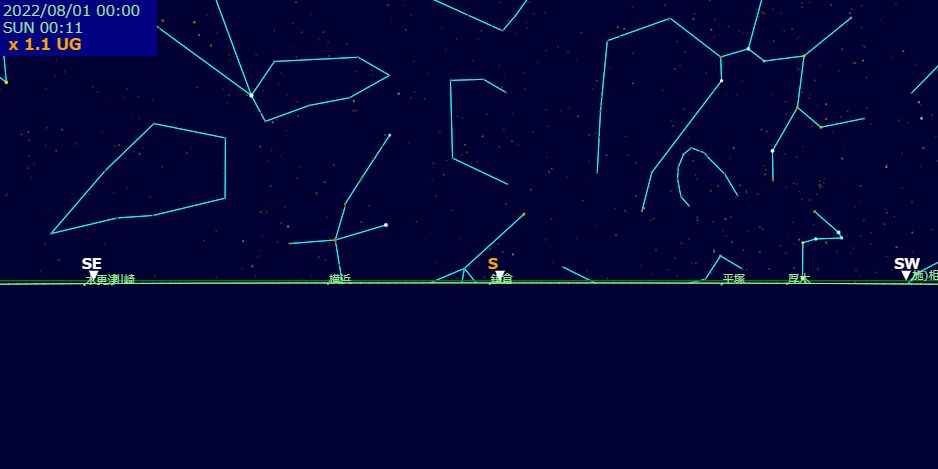
- MP3 -
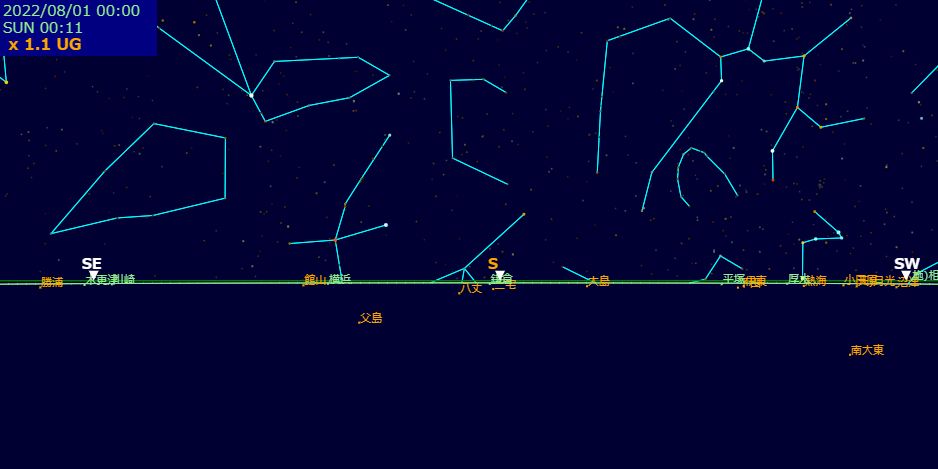
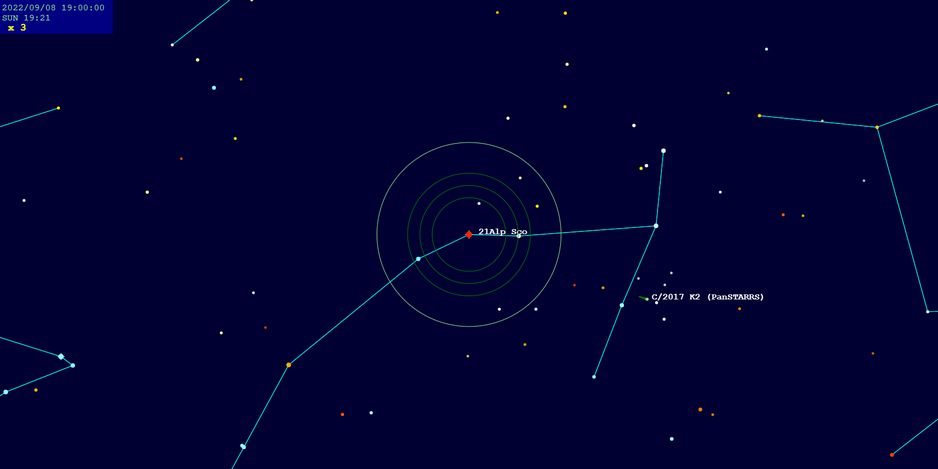
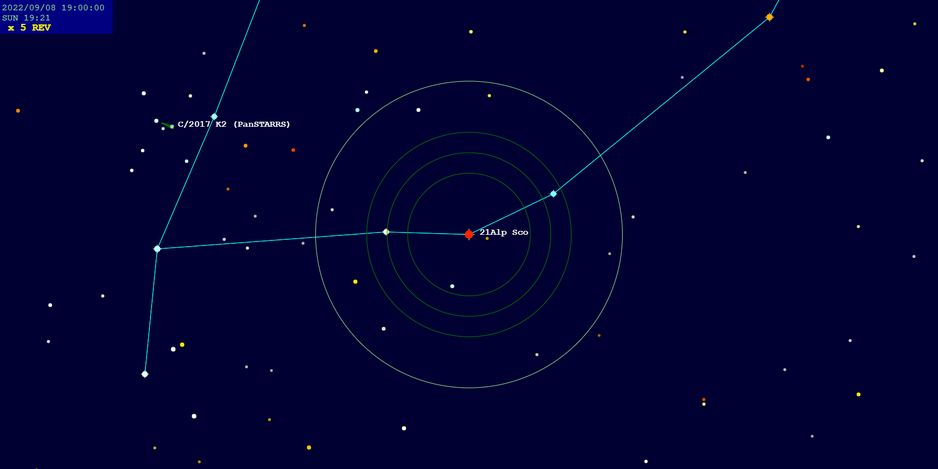
・[SC 0–2] Toggles scope display.
- SC1 -
- SC2 -
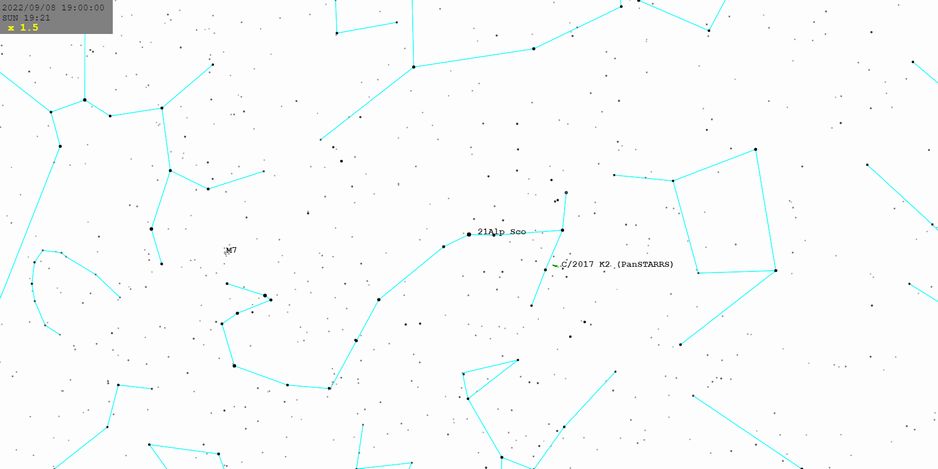
・[MNO] Toggles monochrome display.
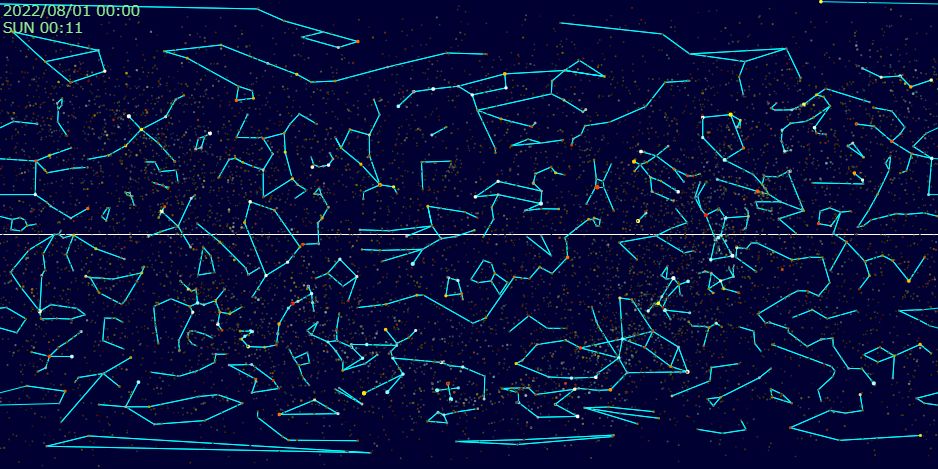
・[ALL] Full sky view. Centers can be equatorial, ecliptic, or galactic.
・[Z] Toggles zenith view.
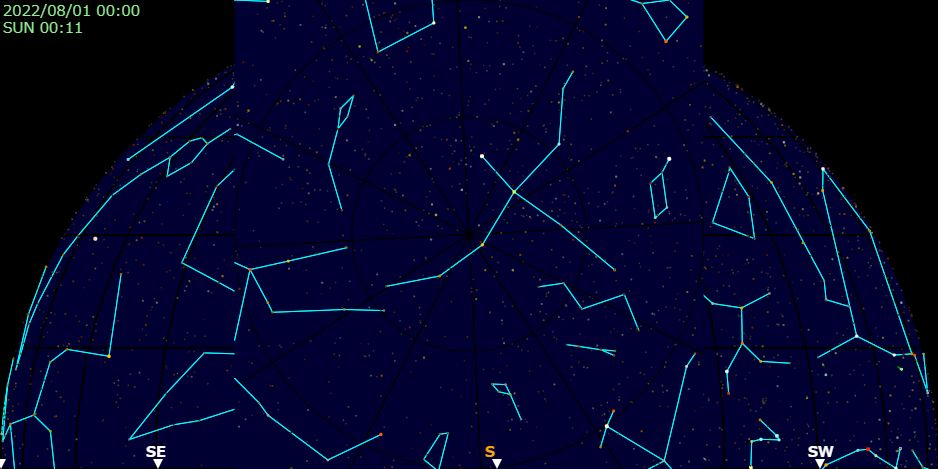
・[EX] Zoom in (enter magnified view) / [RD] Zoom out (return to normal view)
※ Supports mouse wheel and touchscreen gestures.
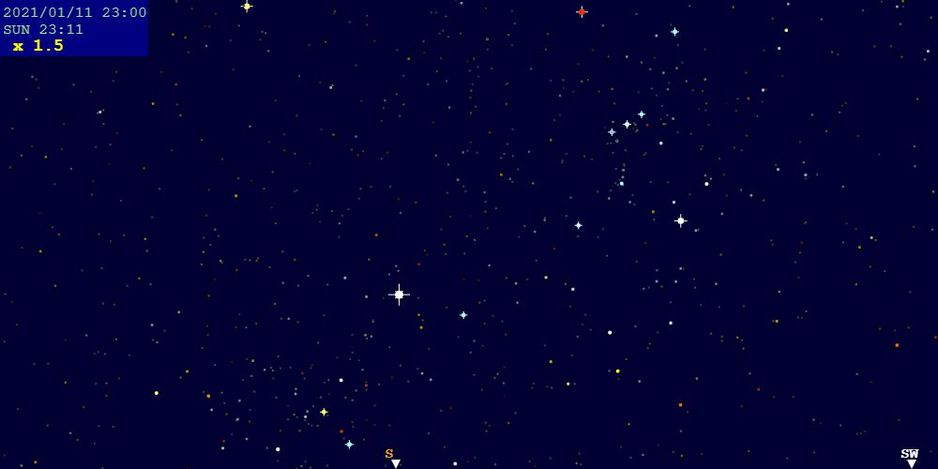
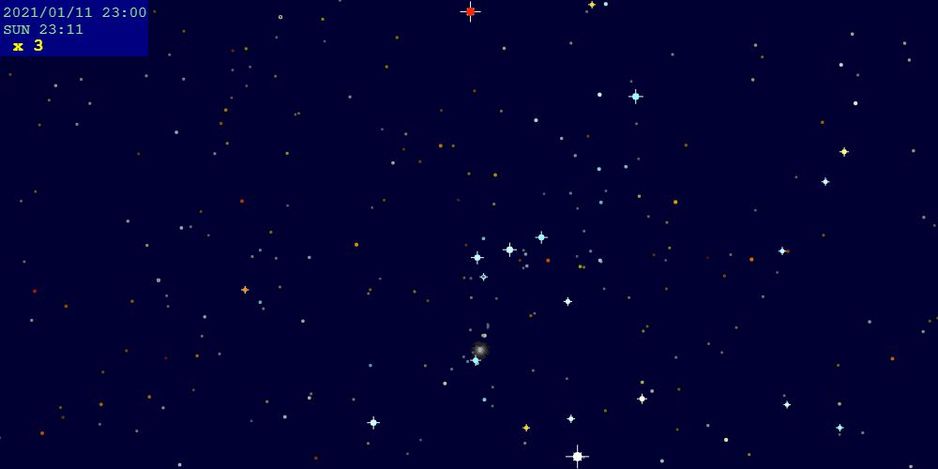
・[FV] Switches magnified view mode.
・[FV] Alt-azimuth mode / Free movement
・[[+]] Alt-azimuth tracking
・[@N] Equatorial tracking (Northern Hemisphere)
・[@S] Equatorial tracking (Southern Hemisphere)
※ In tracking mode, the target remains centered on screen.
※ For planetary or satellite motion, equatorial tracking is recommended!
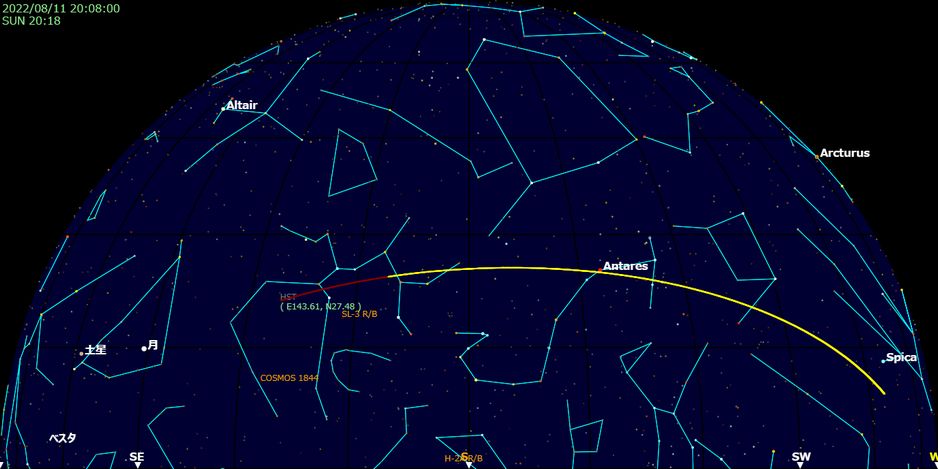
・[DRV:SA0–9] When tracking satellites, displays the selected satellite’s orbit.
・[BR] BRIGHTNESS / [SH] SHARPNESS / [BK] BLACK background adjustment
From crisp to twinkling—adjust the display to your liking.
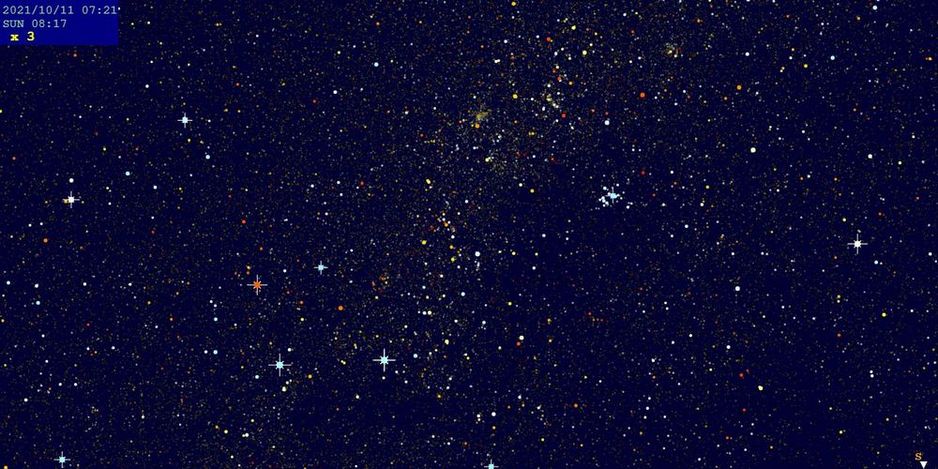
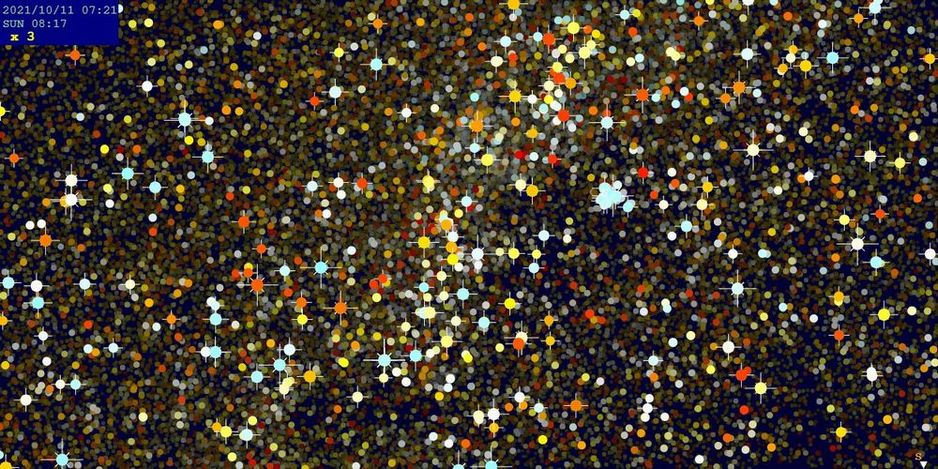
・[IM] Requests the latest calculation (IMMEDIATE)
・Indicator during calculation...
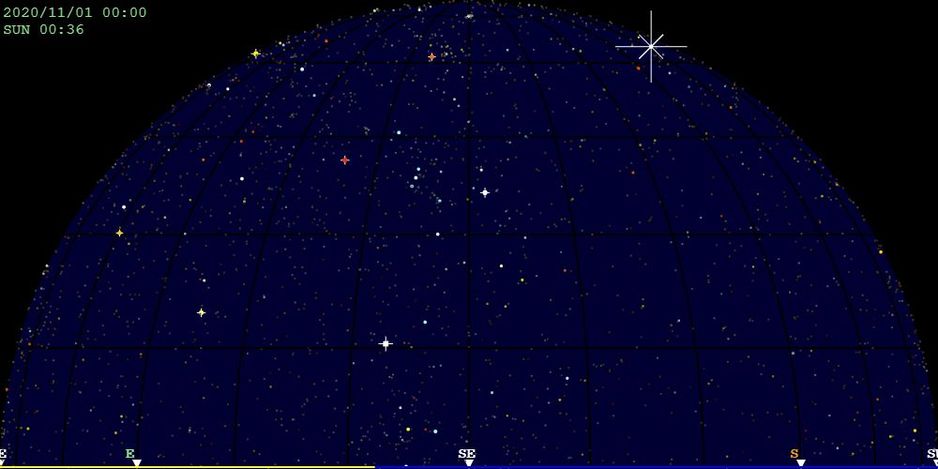
・Clicking [IM] clears the cache and updates to the latest data.
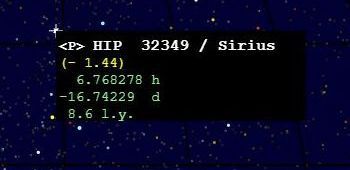
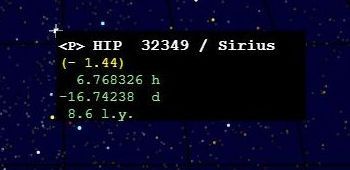
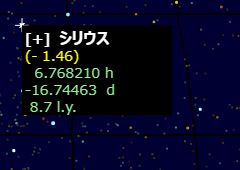
・[+] indicates the result is based on ephemeris calculations.
These values are corrected based on observation location and time (diurnal aberration correction).
・The following catalog codes are used:
[+] Ephemeris / <B> BSC5 / <P> HIP / <T> Tycho / <S> SAO / <D> HD / [N] Nagasawa method / [S] Saito method / [M] MPC
・Each version references different star catalogs:
STANDARD = Ephemeris + BSC5 / ZETA HIP = HIP / ZETA SAO = SAO
・[LD] LOAD Viewer / Load external data
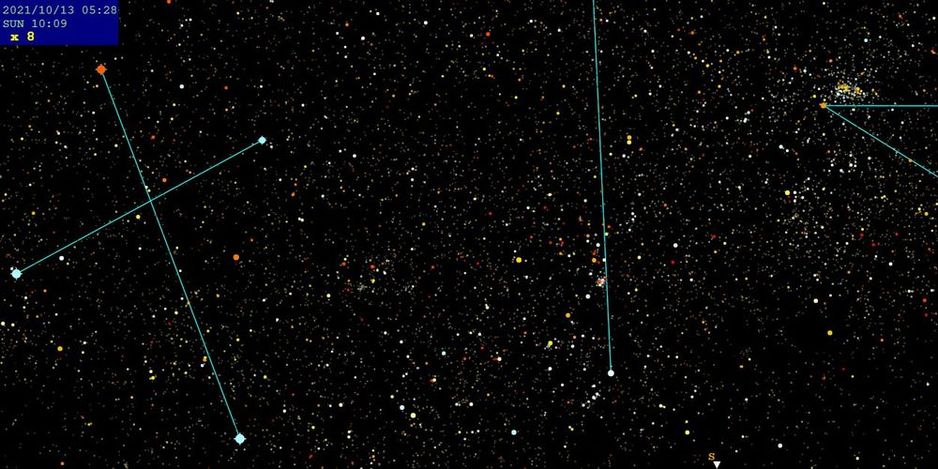
※ Loads large datasets such as the Tycho catalog.
・[CL] CLEAR Viewer / Clear loaded data
※ Removes previously loaded large datasets.
[HOME] – Star Simulator – Satellite Info –